


Key Takeaways
- Googlebot search is Google’s automated bot that finds and indexes your pages and has a limited amount of time to spend on any one website.
- The two things that matter in your “crawl budget” are crawl capacity (how much your server can process) and crawl demand (how much Google wants to see the content of your site).
- The biggest crawl budget wasters are slow servers, broken links, long redirect chains, and duplicate or low-value URLs.
- Google’s own John Mueller has said crawl budget mainly matters for very large or fast-changing sites, not the average small business website.
- The Crawl Stats report in Google Search Console and your server logs are the most reliable ways to see what Googlebot search is actually doing on your site.
Every day, Google’s bot, Googlebot, is sent to crawl billions of pages on the web to determine which are important to include in its search index. For webmasters, it’s easy to believe that Google will discover your site and add all your pages to the index. The truth is, there is a finite amount of time in which Googlebot search runs. It has a limited resource that it uses called a “crawl budget,” and if you are using that crawl budget on broken links, duplicate pages or a slow-loading server, then your best content may sit undiscovered for weeks.
This guide breaks down how Googlebot search crawling actually works, what Google’s own engineers and outside SEO experts have said about it, and the practical steps you can take today to make sure Googlebot spends its limited time on the pages that matter most to your business.
How Googlebot Search Crawling Actually Works
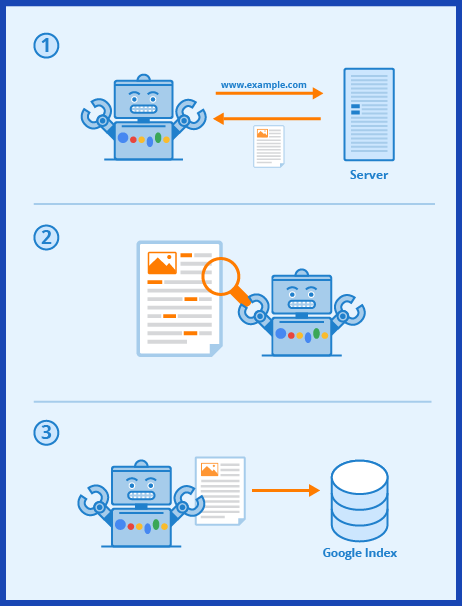
Picture Googlebot as a delivery driver working a single shift. They can’t go to all of the addresses in the city, so they will skip the ones that are not useful to them and concentrate on the ones that are. Googlebot search works in the same way, and Google dissects it into two key components.
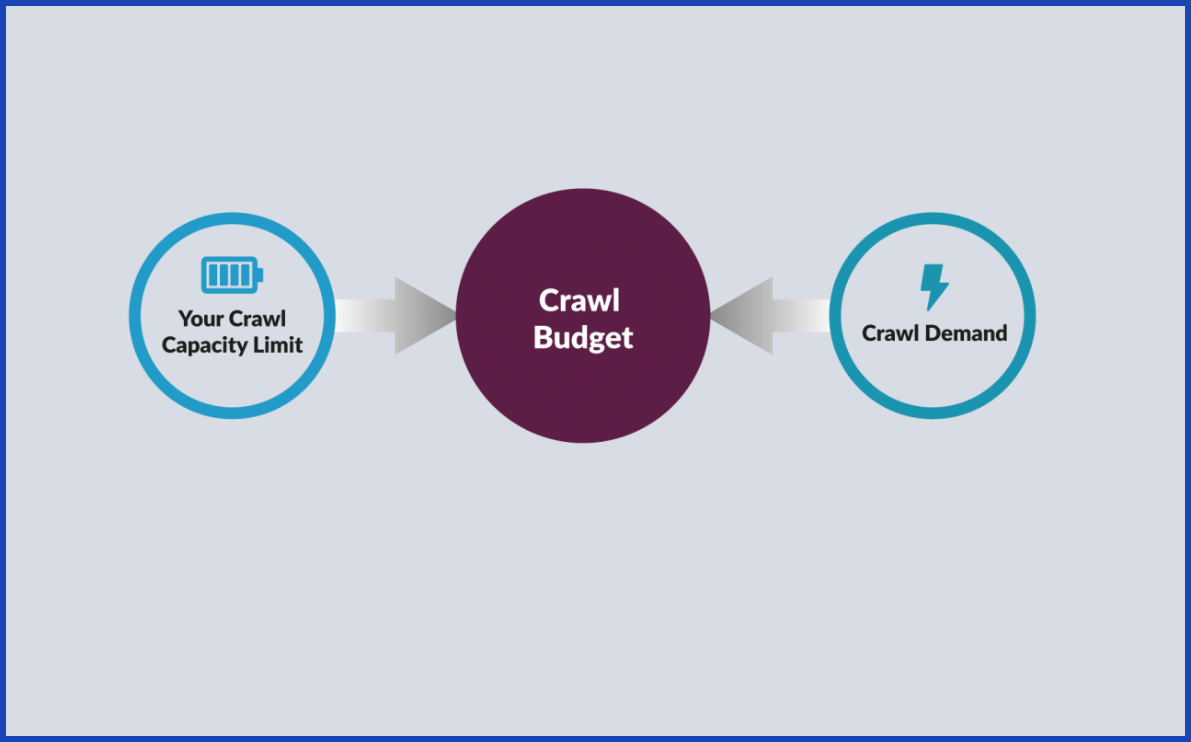
Crawl capacity limit is the number of pages Googlebot search can request safely from your server without slowing it down. If your site responds quickly and reliably, Google feels comfortable requesting more pages. Google automatically slows down if your server becomes slow or you get an error.
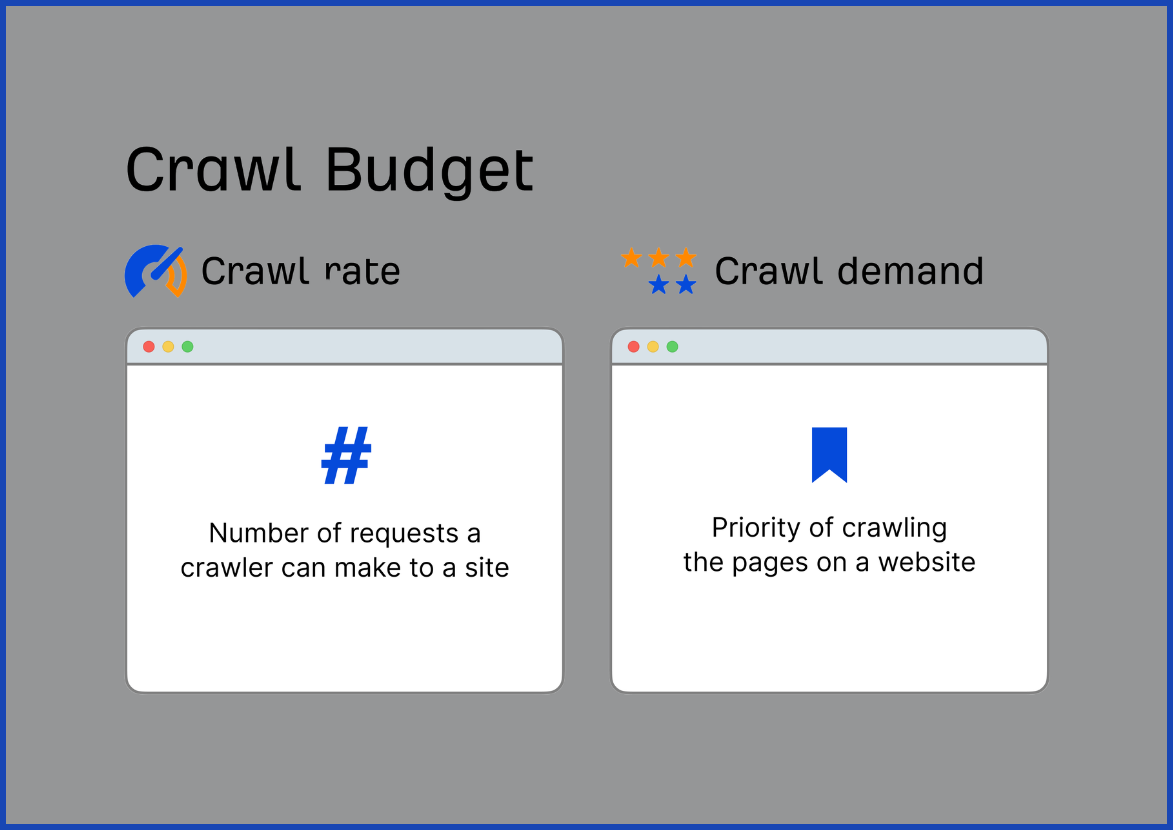
Crawl demand is about how much Google actually wants to crawl your site in the first place. The answer to this question depends largely on the popularity and freshness of your content. The pages that receive links, are shared, and are updated frequently tend to be better visited by Googlebot search, whereas their counterparts that are not visited so often or are not popular are less visited.
Combine these two and you have your crawl budget: The number of URLs Googlebot search can and will crawl in a given time frame. This is not something you should be concerned with for a small blog with a couple hundred pages. But once a site grows into the tens of thousands of URLs — think large online stores, marketplaces, or publishers — crawl budget becomes a real constraint on how fast new or updated content gets discovered.
Quick Technical Wins That Protect Your Crawl Budget
When you know what to look for in terms of factors that affect crawl budget, it becomes much easier to see what needs to be done. Start with these technical basics:
- Speed up your server response time. Google’s John Mueller has cited an average of 300-400 milliseconds as a healthy target for the server response time. If Googlebot search is able to crawl more when the server is more responsive and reliable, then it does. The more responsive and reliable the server is, the more Googlebot can crawl.
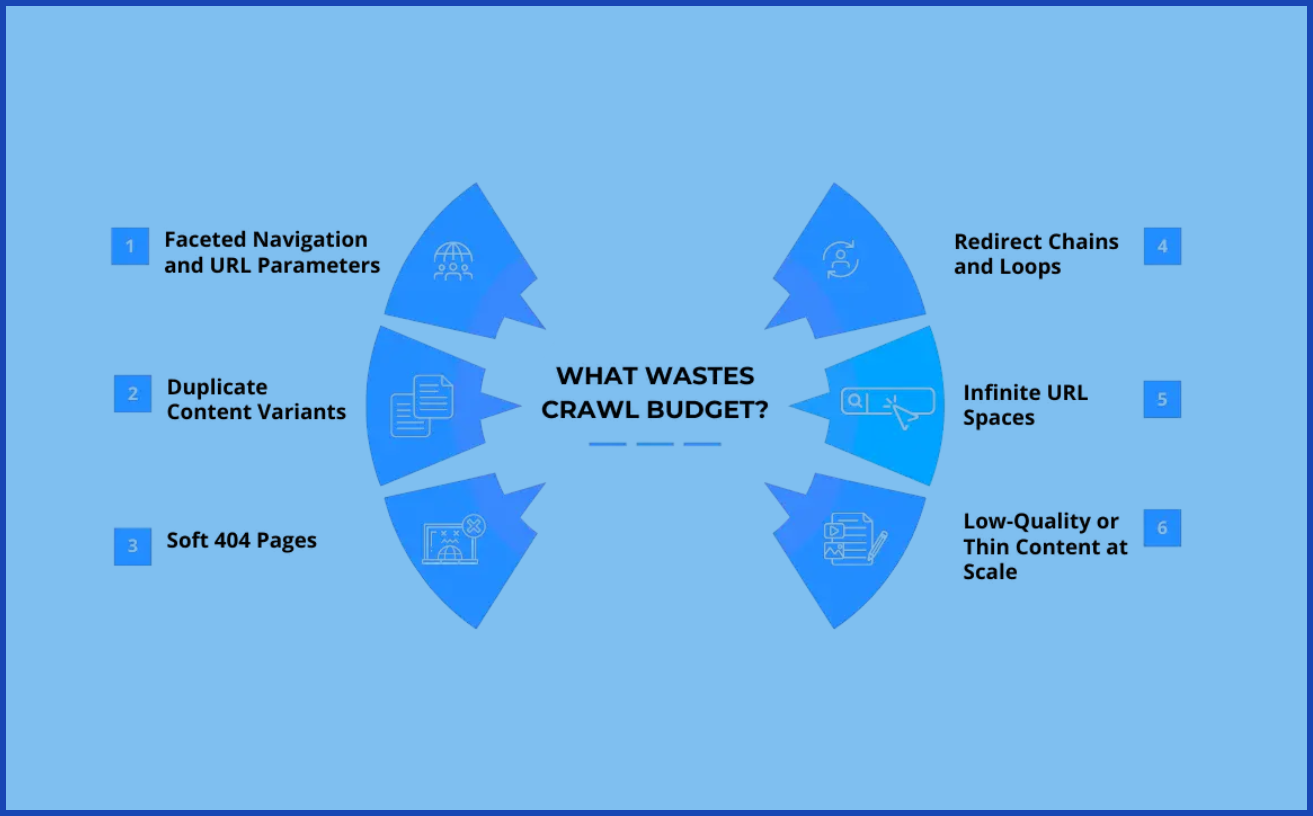
- Fix or remove broken links and 404s. Each time Googlebot sends a request to a dead link is a wasted request. Run a site crawl every so often with a tool like Screaming Frog and clean up the dead ends you find.
- Shorten redirect chains. Googlebot search has to follow the entire chain for one page if URL A redirects to B and B redirects to C. Point old URLs straight to their final destination instead.
- Don’t rely on “noindex” to save crawl budget. It’s a common misconception, but Googlebot search still has to crawl a page first to see the noindex tag before it can honor it. If you do not want any part of a page to be crawled, then block it in robots.txt; not requested = no cost!
- Watch your server error rate. As one of the fastest ways to make Google crawl your site less, a surge of 5xx Server Errors is one of them.
None of these fixes are glamorous, but together they free up crawl capacity that Googlebot search can spend finding and indexing your newest content instead.
Clean Up Your Site Architecture and Content
Crawl capacity is only half the story. The other half is making sure Googlebot search doesn’t waste its visit on pages that don’t matter.
- Tame duplicate content and URL parameters. Filter, sort, and tracking parameters — things like ?color=blue or ?utm_source=email — can quietly turn one product page into dozens of near-identical URLs. Use canonical tags to point Google to the “real” version of each page.
- Rein in faceted navigation. This is particularly an issue that can occur in e-commerce websites. Technically unique, crawlable URLs can be generated with a single category page with size, color and price filters. Prevent the low value combinations that GoogleBot will search in robots.txt.
- Strengthen your internal linking. If multiple pages on your site link to it, it’s important. Orphan pages – pages having no internal links – are much harder for Googlebot search to find and tend to be extensively under-reached by Googlebot search.
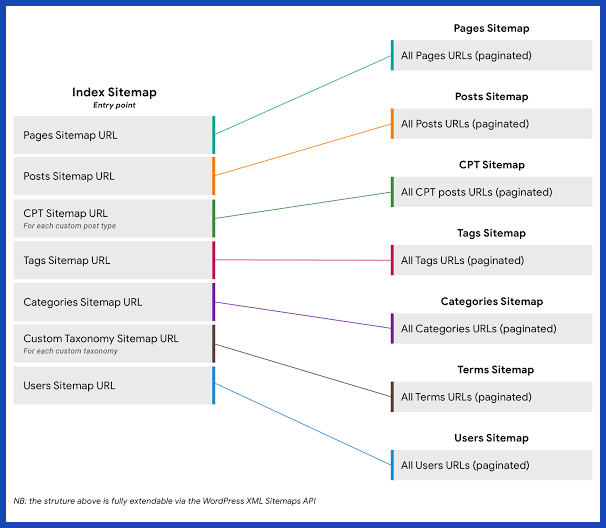
- Keep your XML sitemap lean and current. Include only the URLs you actually want indexed, use accurate lastmod tags so Google knows what’s changed, and remove anything that’s been deleted or redirected.
This sort of cleanup isn’t just good for Googlebot, it’s often easier for actual visitors to your website to navigate!
How to Monitor Googlebot and What the Experts Say
You don’t have to guess how Googlebot search is treating your site. Google gives you the data directly, and the SEO community has plenty to say about how to use it.
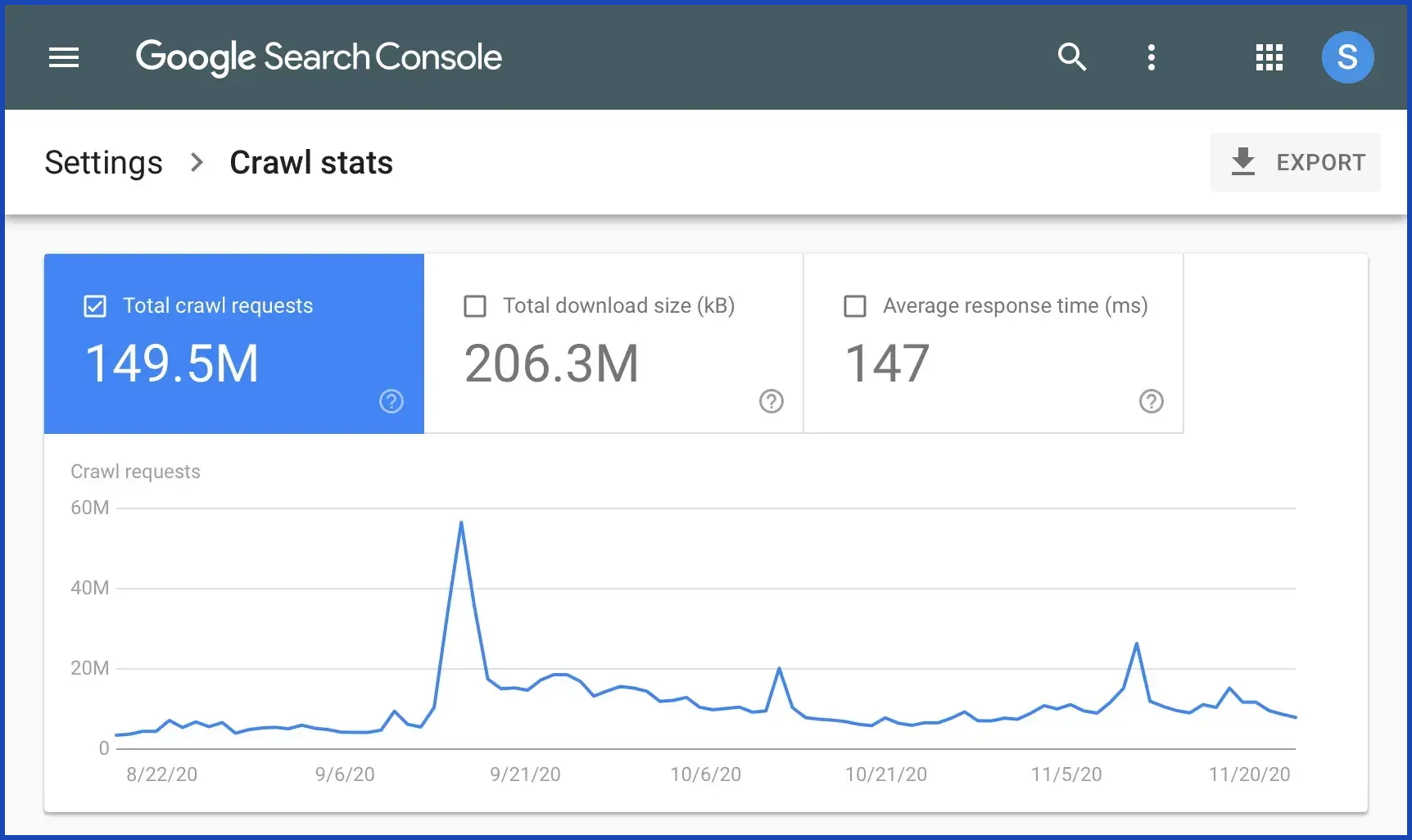
- Check the Crawl Stats report in Google Search Console (under Settings). It shows total crawl requests, average server response time, and a breakdown of response codes over the past 90 days. A sudden drop is often your first warning sign of a technical problem.
- Go deeper with server log file analysis. Tools like the Screaming Frog Log File Analyser let you see exactly which pages Googlebot search actually visited, how often, and whether it’s wasting time on low-value URLs you didn’t even realize existed.
Of course, it’s important to remember crawl budget, as well. Google’s John Mueller stated that it is a topic that’s overrated for the average website, and that it’s a serious concern for the biggest, most complex websites on the web. Similar advice from Paul Shapiro, technical SEO at Shopify: For most websites, it’s not an issue to get the answer right about crawl budget, but for large, often-changing properties like publishers, it can have an impact.
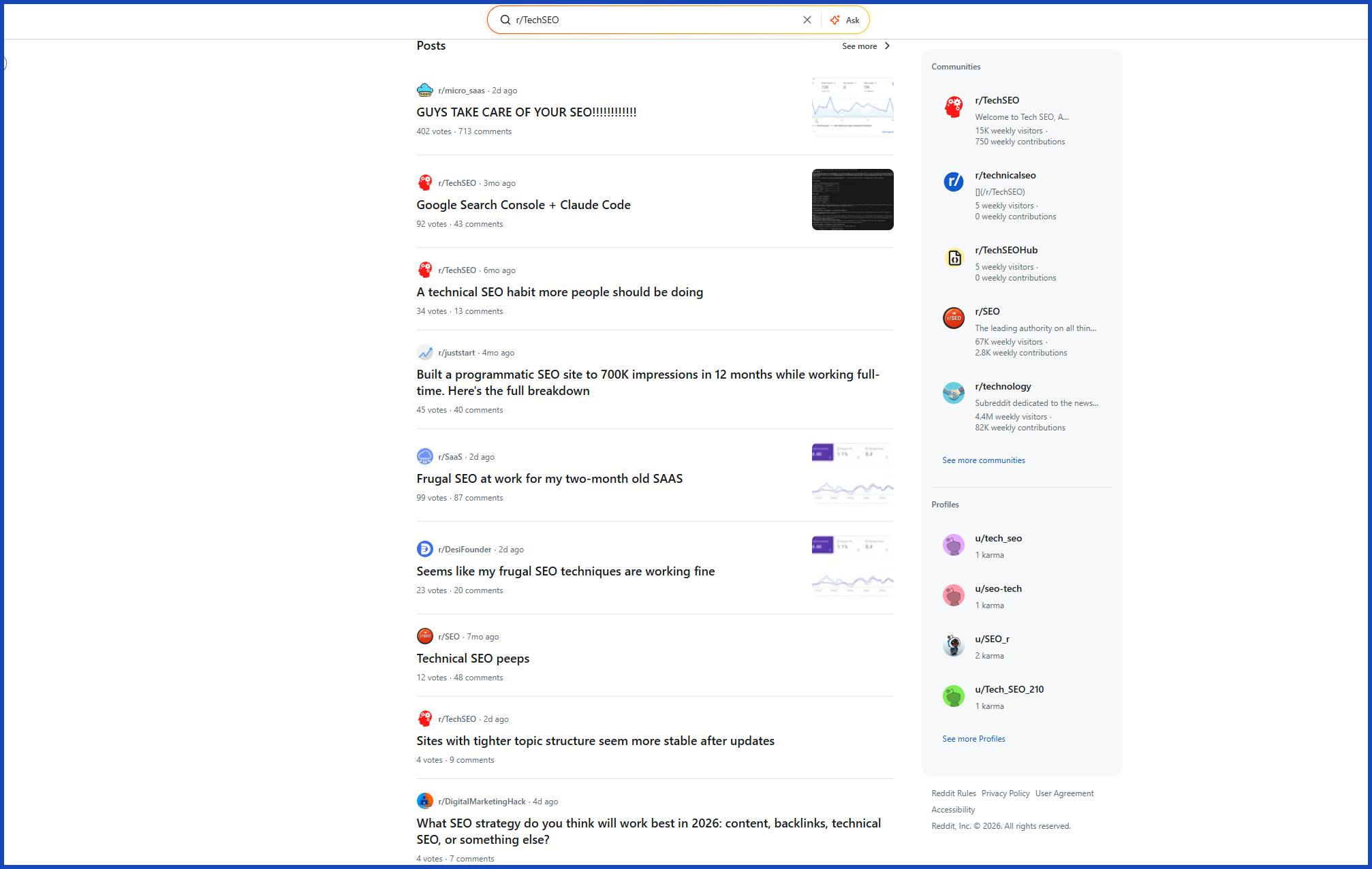
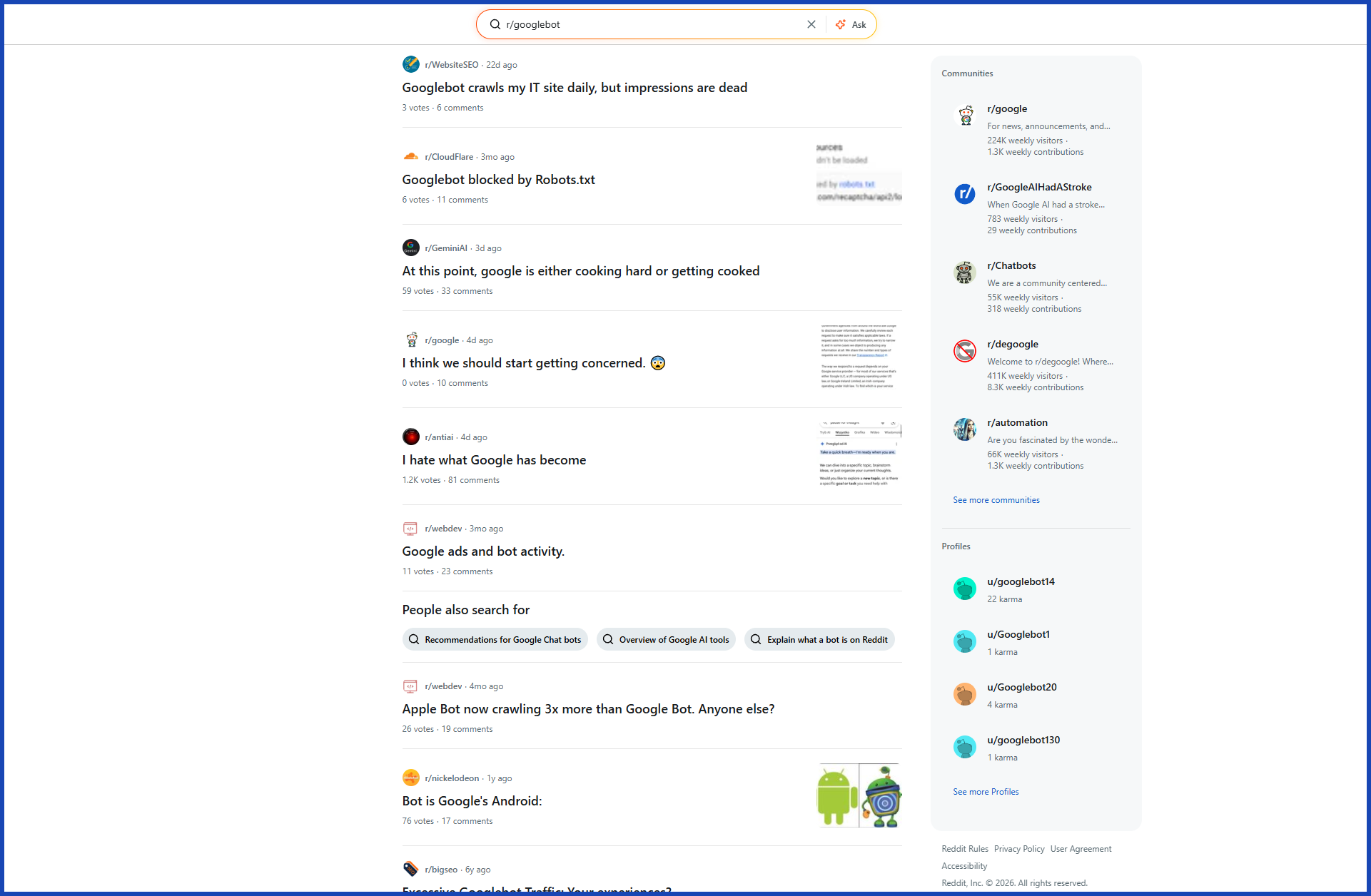
Crawl budget is also a popular subject on Reddit’s SEO forums, such as r/TechSEO and r/SEO, which have received direct contributions from Mueller himself, stating there is no “benchmark number” that every site should be aiming for — it just depends on the size, freshness, and objectives of the site.
Conclusion
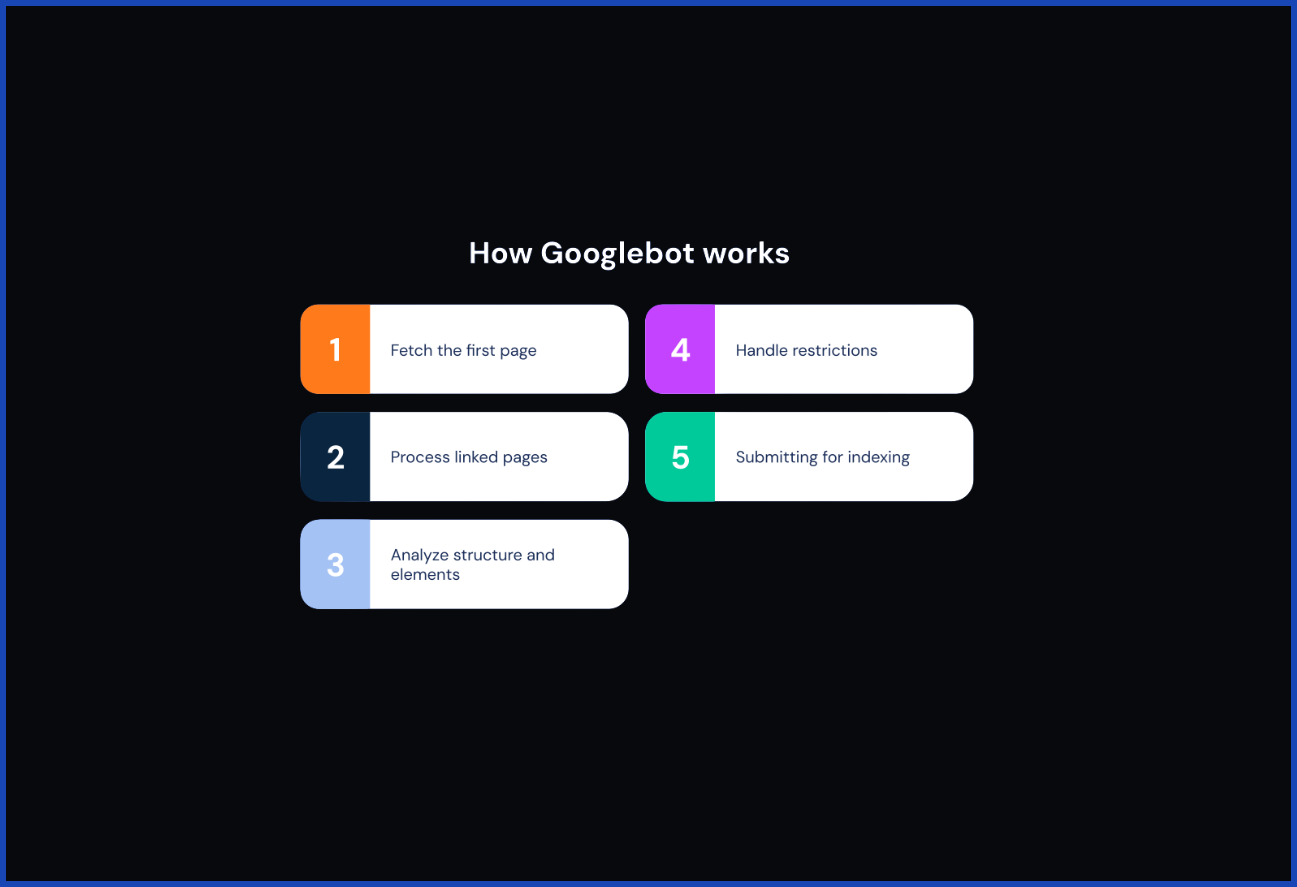
Optimizing for Googlebot search isn’t about chasing some hidden algorithm trick — it’s about removing friction. A fast server, clean URLs, smart internal linking, and a tidy sitemap all make it easier for Googlebot to spend its limited time on the pages that matter most to your business. And once the technical side is handled, don’t forget the other lever that drives crawl demand: authority. Sites that earn genuine backlinks and mentions tend to get crawled and refreshed more often simply because Google can see that real users care about them. If link building is the piece of your SEO strategy you haven’t tackled yet, a service like SirLinksalot can help you build the kind of authority that keeps Googlebot search coming back for more. Get the technical foundation right, and let your content’s popularity do the rest.
FAQs
What exactly is Googlebot?
Googlebot is the automated crawler Google uses to discover, fetch, and read pages across the web so they can be considered for its search index. Google actually runs several Googlebot variants (desktop, smartphone, image, video, and more) that share the same core crawling infrastructure.
Does every website need to worry about crawl budget?
No. If you run a small-to-medium site with a few thousand pages that update occasionally, Google typically has no trouble crawling everything you publish. Crawl budget becomes a genuine, practical concern mainly for large sites with tens of thousands of URLs or more, or sites that add and change pages constantly.
How do I check how often Googlebot is crawling my site?
Log into Google Search Console and open the Crawl Stats report under Settings. It shows your total crawl requests, average response time, and a breakdown of response codes for roughly the last 90 days.
Does blocking a page in robots.txt actually save crawl budget?
Yes. A properly disallowed URL is never requested by Googlebot search at all, so it costs you nothing. A “noindex” tag works differently — Google still has to crawl the page first to see that instruction, so it doesn’t save crawl budget the same way.
How often does Googlebot search actually crawl a typical website?
It varies widely depending on your site’s size, update frequency, and authority — anywhere from several times a day for large, high-authority, frequently updated sites, to once every few weeks for smaller, mostly static ones.


