


Key Takeaways
- Semrush’s free Keyword Magic Tool caps you at 10 searches per day, shared across all tools on the platform.
- The cheapest paid plan, Pro, runs $139.95/month ($117/month if you pay annually).
- You don’t need one expensive all-in-one tool. Stacking 2 to 4 cheaper (or free) tools can match Semrush’s keyword research depth.
- SirWritesALot’s clustering tool is the strongest starting pick on this list, turning a raw keyword list into an organized content plan from $39/month.
- The right “stack” depends on your goal. Content planning, question research, and full competitor tracking each call for a different combo of tools.
Sign up for a free Semrush account, and you’ll get real access to the Keyword Magic Tool. The catch? Just 10 searches a day, shared across every tool on the platform. Look up one keyword, then click into its overview page, and you’ve already used two of them.
Want more? The Pro plan, Semrush’s entry-level tier, starts at $139.95 a month if you pay monthly, or about $117 a month if you commit to a full year upfront. That’s over $1,400 a year, before you add extra seats or toolkits.
For freelancers, small agencies, and solo bloggers, that’s a real number, especially when you’re still testing whether a niche or a client even has search demand worth chasing.
Here’s the good news: Semrush’s data isn’t magic. Search volume, keyword difficulty, and competitor gaps all come from public search behavior, and several smaller tools track that same behavior for a fraction of the price. So the better question isn’t “how do I afford Semrush?” It’s “what combination of cheaper tools gets me the same keyword research depth?”
That’s exactly what this guide walks through.
The Best Semrush Alternatives for Keyword Research in 2026
Here’s where to put your money instead, starting with the strongest pick.
1. SirWritesALot
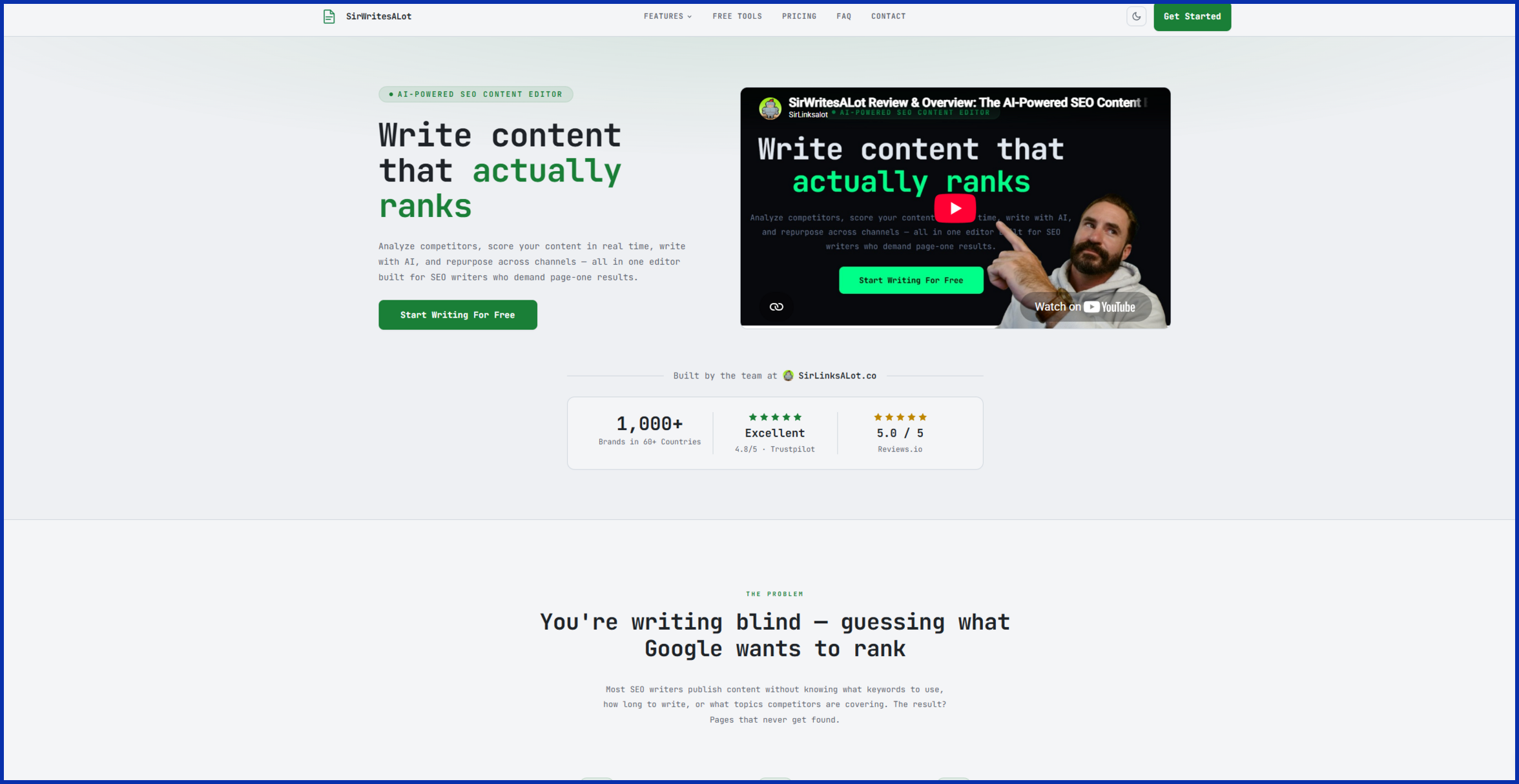
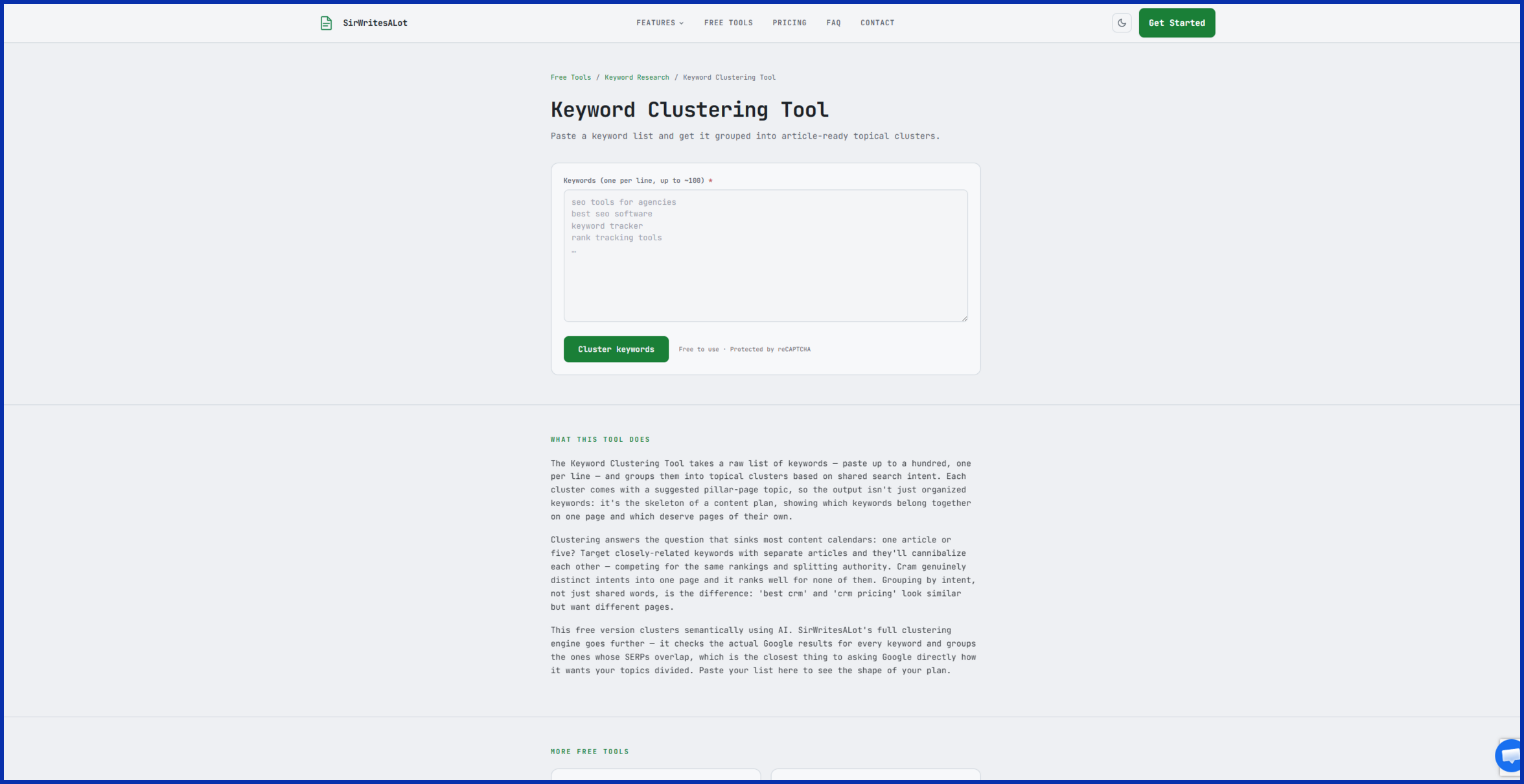
Most keyword tools hand you a flat list and call it done. SirWritesALot’s keyword clustering tool goes further. It pulls every keyword a competitor ranks for, then groups them automatically by SERP (search results page) overlap, so you can see which terms belong on the same article and which need their own page.
You can view your clusters as a kanban board, cards, or a table, merge clusters that overlap, and export or share the finished map with a client or teammate.
- Starter: $39/month, clusters up to 3,000 keywords
- Pro: $79/month, clusters up to 10,000 keywords\
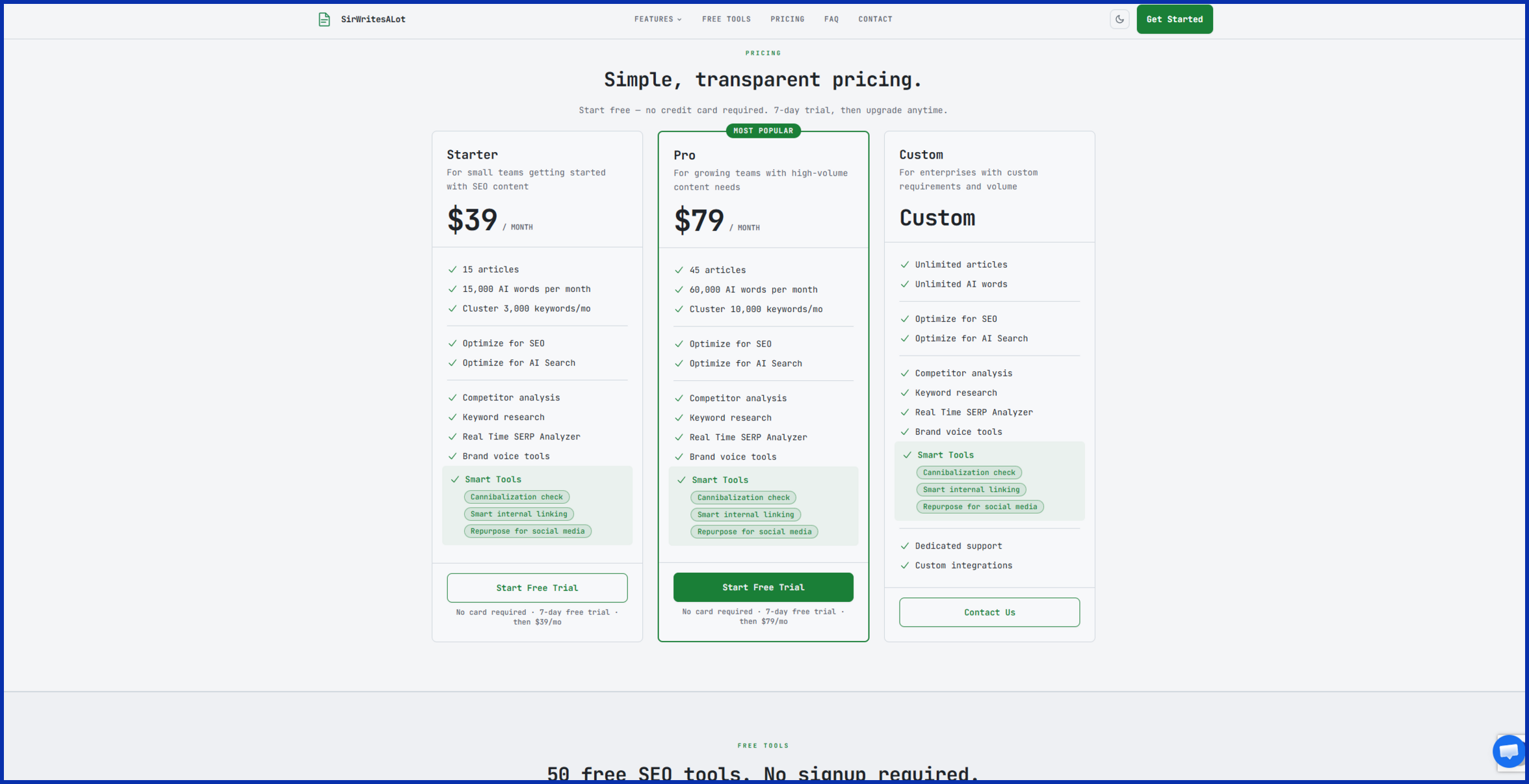
Since it lives inside a broader AI writing platform, the same subscription also includes competitor content scoring, an FAQ generator, and a brand voice tool. That’s several tools bundled for less than a third of Semrush’s price.
2. Keywords Everywhere
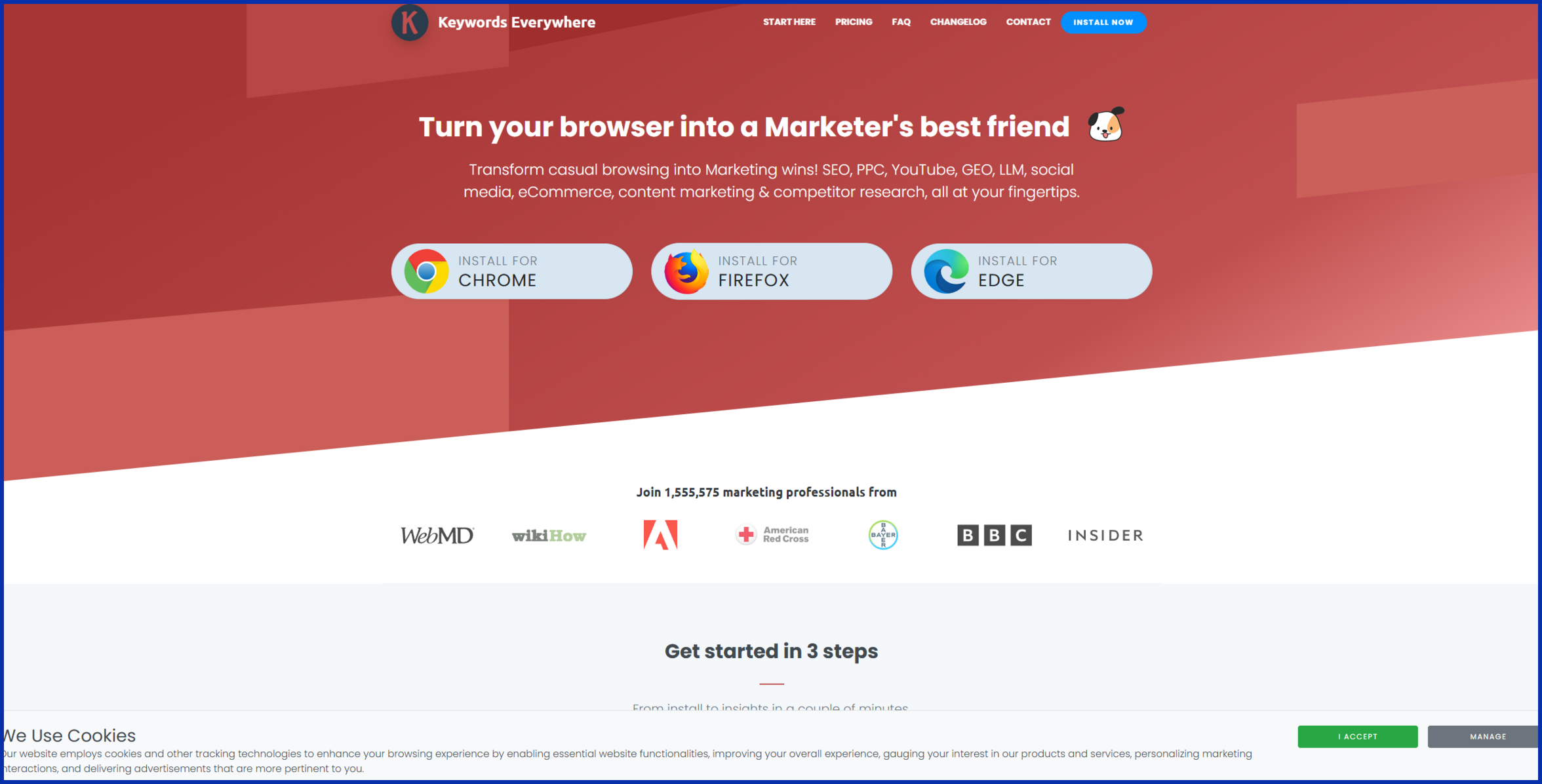
This one sits quietly in your browser. Once installed, it overlays search volume, CPC, and competition data directly onto Google, YouTube, and Amazon results as you browse.
There’s no monthly subscription forcing your hand, either. You buy a batch of credits, starting around $10 for 100,000, and they’re only used when you actually pull data.
3. Ubersuggest
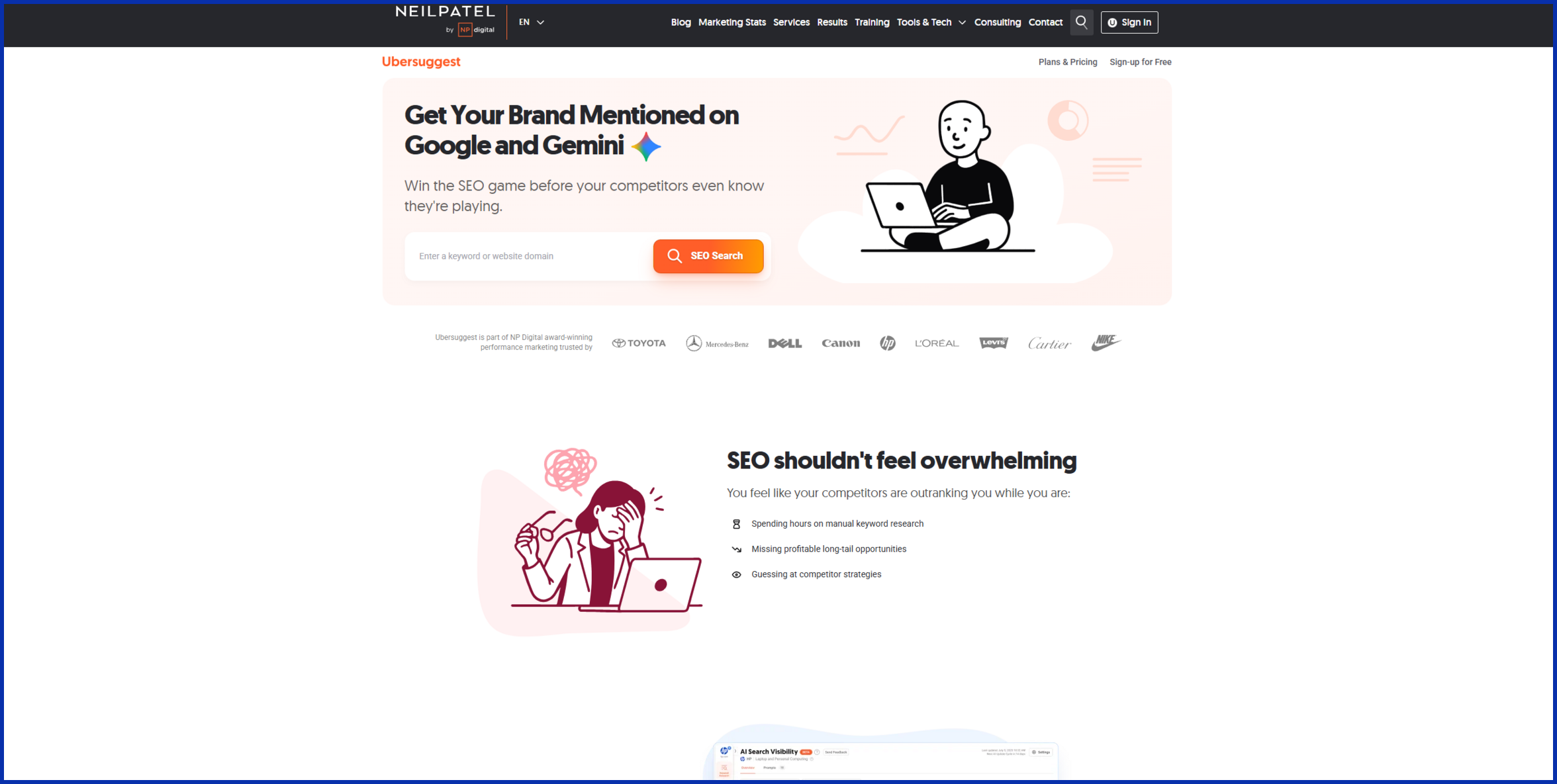
Neil Patel’s Ubersuggest gives you a handful of free keyword lookups every day, plus content ideas, a basic site audit, and backlink data. One handy feature: type in a topic and it shows you the top-performing articles already ranking for it, so you know what you’re up against before you write a word. Paid plans stay well under Semrush’s price, and a one-time lifetime option exists if you’d rather skip subscriptions entirely.
4. Mangools (KWFinder)
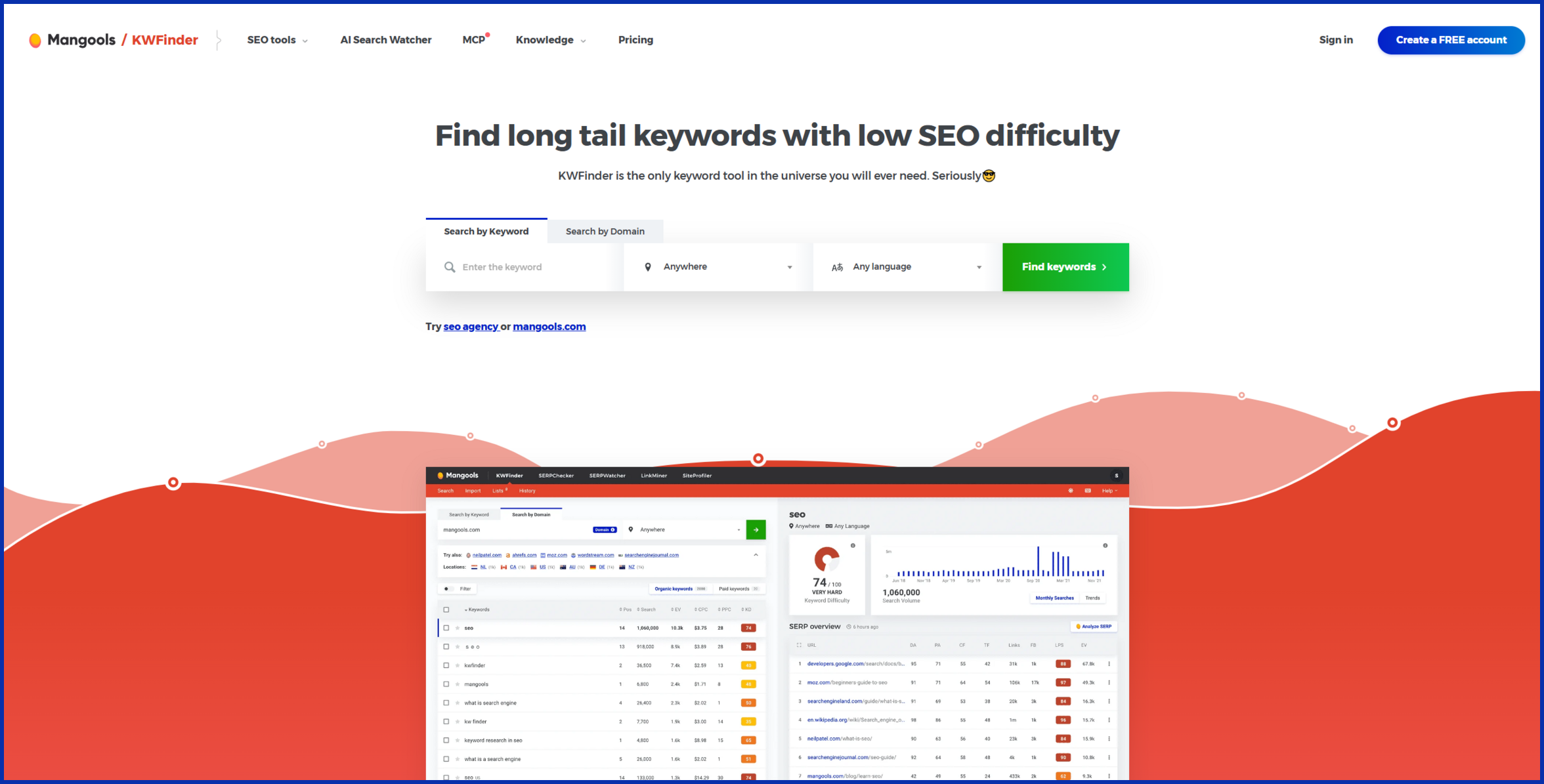
Mangools bundles five tools, KWFinder included, into one account for around $30/month on the annual plan. Its keyword difficulty score is one of the more trusted numbers in the industry for judging whether a term is actually winnable.
5. AnswerThePublic
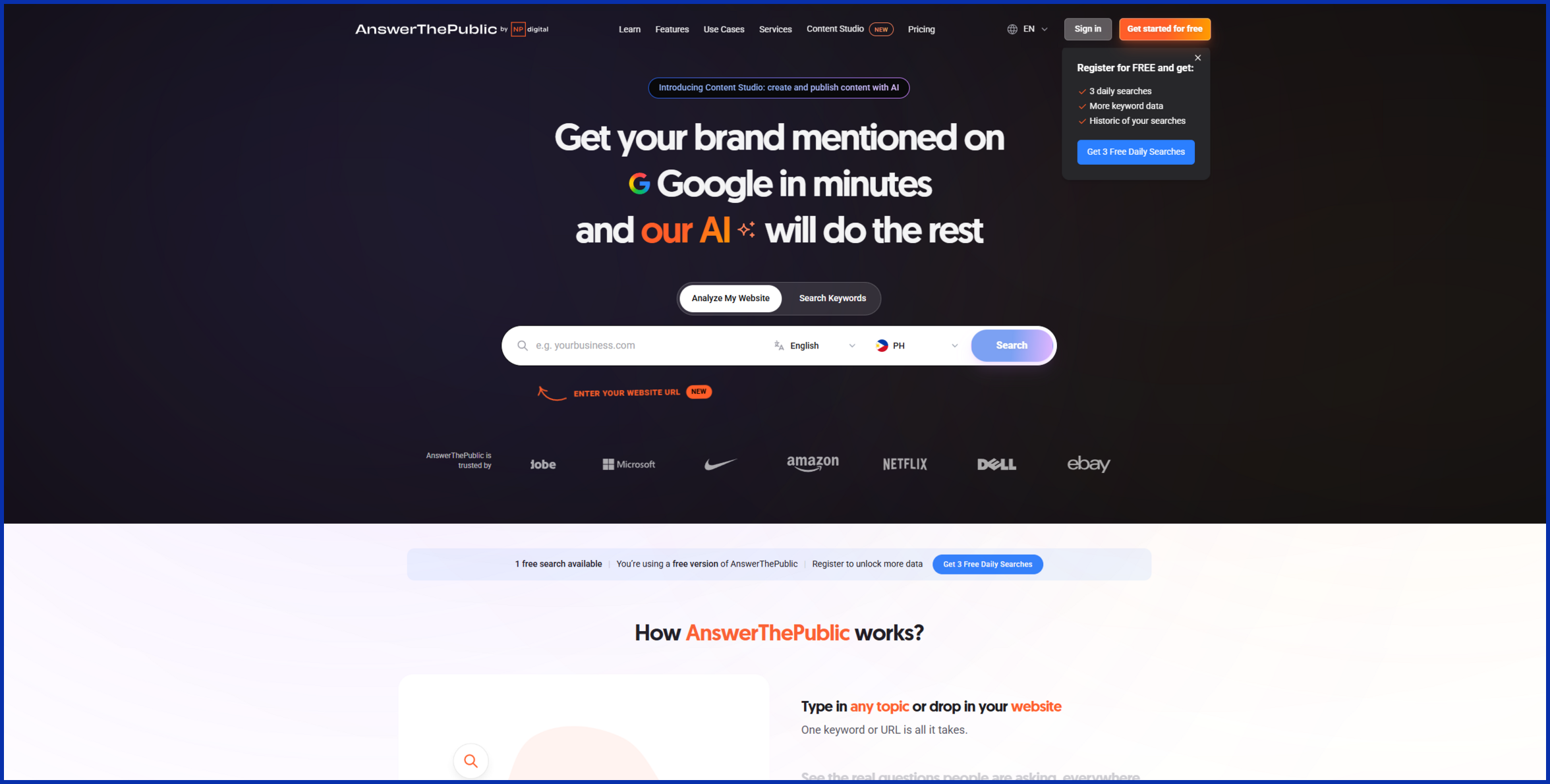
This tool turns autocomplete data into a visual map of every “how,” “what,” and “why” question people search around your topic. Great for FAQ sections. The free version gives you 3 searches a day; paid plans start around $11/month.
6. SE Ranking
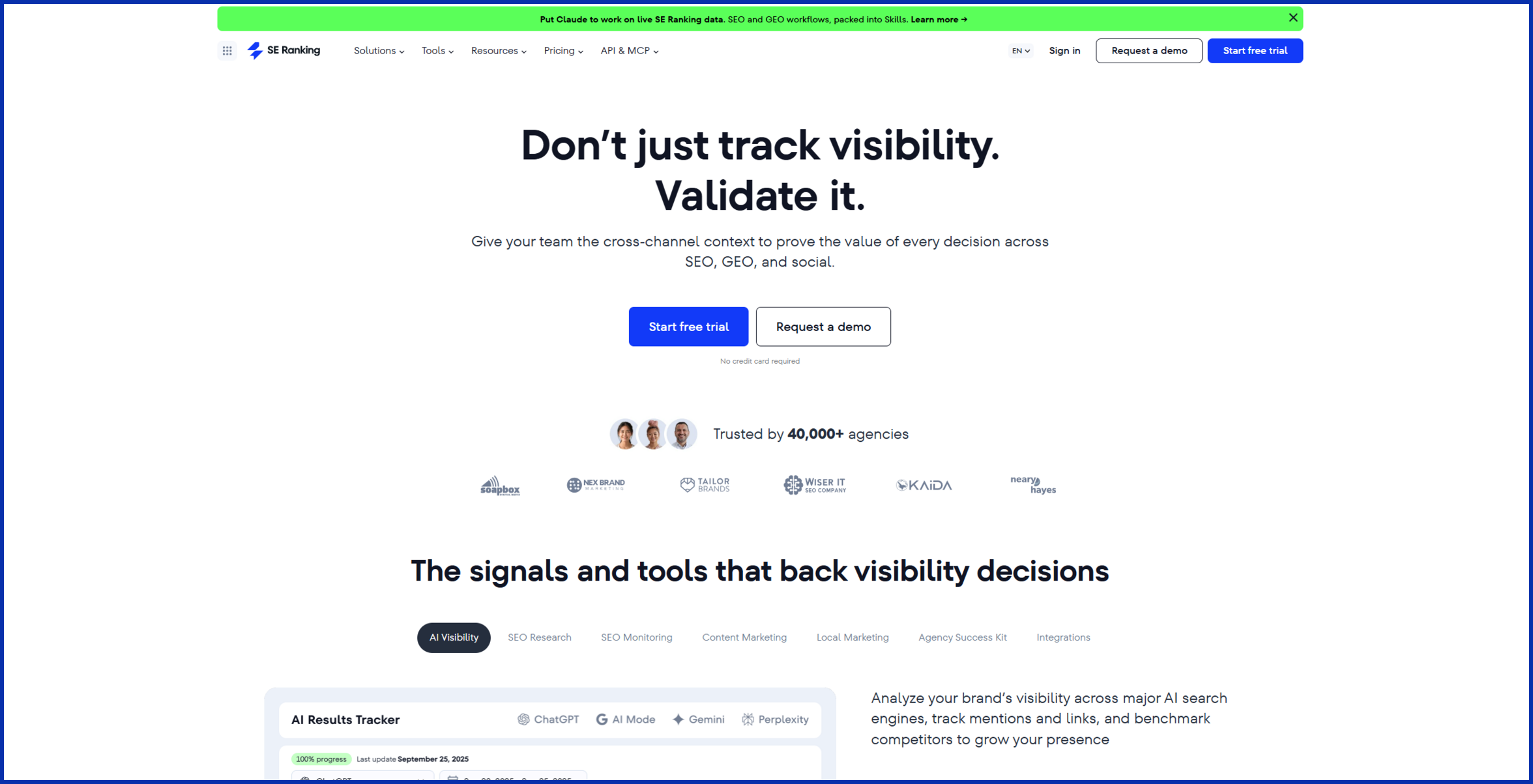
Need something closer to a complete swap, rank tracking, backlinks, and audits included? SE Ranking starts around $65/month. Still roughly half of Semrush’s price, with most of the same core reports. It’s the best pick here for agencies managing multiple client sites who still want one dashboard instead of a stack.
How to “Stack” These Tools for Semrush-Level Depth
Here’s the part most guides skip: how these tools actually work together.
Say you run a small home goods shop and want to plan a month of blog content. Semrush would let you do this research in one dashboard. Here’s how to rebuild that workflow for a fraction of the cost.
Step 1: Build a free seed list. Start in Google Keyword Planner or SirWritesALot’s keyword generator. Type in a broad topic, like “reusable kitchen wrap,” and pull related terms with search volume attached.
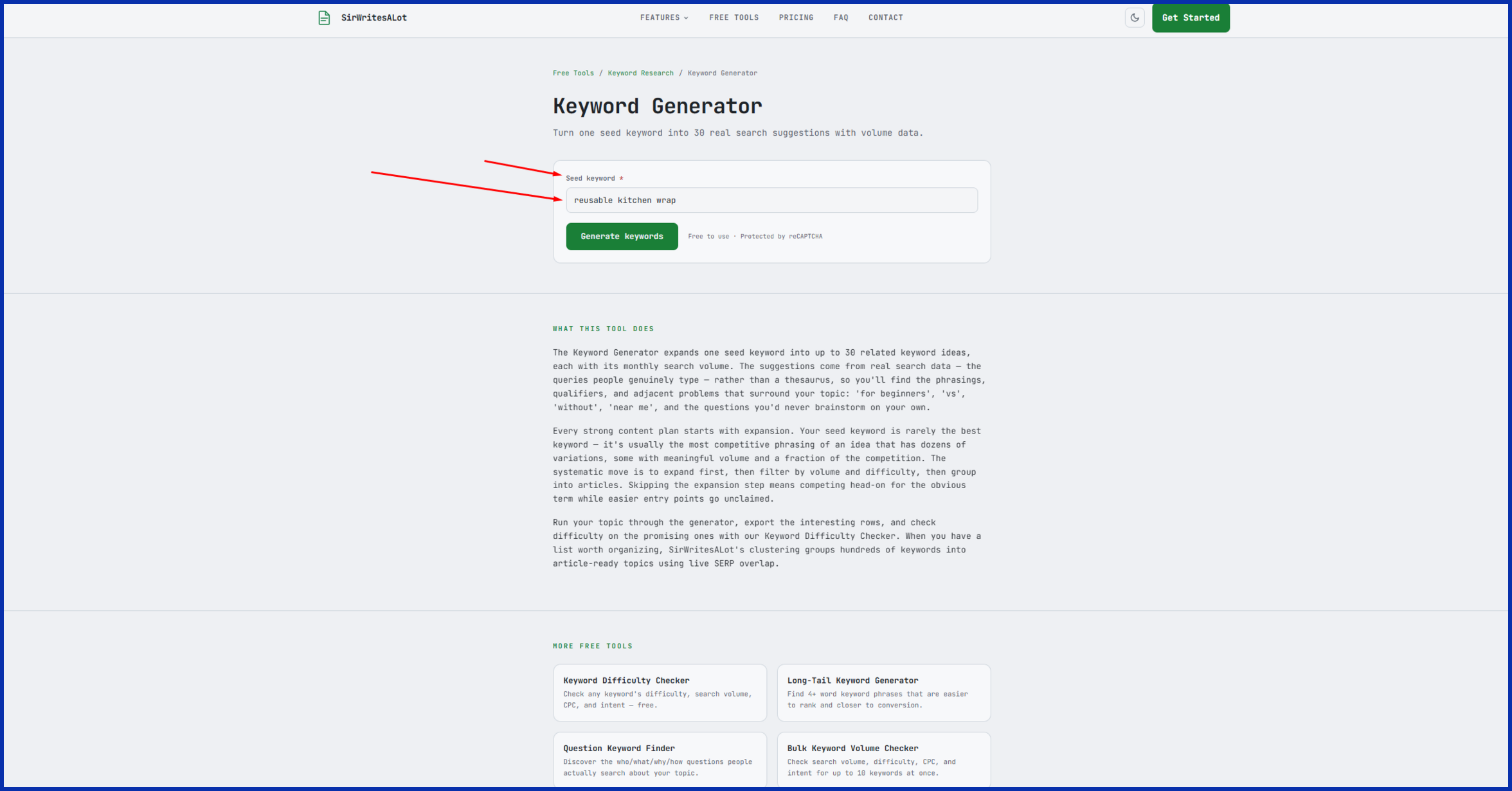
Step 2: Cluster the list. Drop those keywords into SirWritesALot’s clustering tool. Instead of a flat list, you’ll see which terms group into one article (say, “beeswax wrap vs. plastic wrap”) and which deserve a page of their own.
Step 3: Fill the question gaps. Run your main topic through AnswerThePublic or Keywords Everywhere’s “People Also Ask” data to catch long-tail questions worth answering in an FAQ block.
Step 4: Sanity-check the difficulty. Before you commit to writing, run your top candidates through Mangools to confirm they’re realistically winnable given your site’s current authority.
Four tools, one afternoon, and a content plan that rivals what Semrush would’ve produced, for a fraction of one month’s subscription.
Tips for Finding Keywords That Actually Bring Traffic

More keywords isn’t the goal. The right keywords are.
- Match search intent first. “Best running shoes” wants a comparison list. “How do running shoes fit” wants a guide. Write the wrong format, and you won’t rank, no matter how good the writing is.
- Go long-tail early. Three- and four-word phrases carry less competition and often convert better, since the searcher already knows what they want.
- Check the actual results page, not just the score. Any tool’s difficulty number is an estimate. Search the term yourself and see what’s ranking. If it’s all major brands, that’s real data your tool might be missing.
- Look for question keywords. Anything starting with “how,” “why,” or “can” tends to convert well into FAQ sections, and often shows up in Google’s featured snippets.
- Revisit old keywords every quarter. Search demand shifts. A low-volume term today might spike next season, especially anything tied to trends or holidays.
- Don’t ignore zero-volume keywords entirely. Free tools sometimes round small numbers down to zero. If a term makes logical sense for your audience and shows up in “People Also Ask” or autocomplete, it’s often worth a shot even without a big number attached.
Free Tools Worth Adding to Your Stack
Before spending anything, a few genuinely free tools deserve a spot in your process.
Google Keyword Planner is the data source a lot of paid tools quietly build on top of. It needs a Google Ads account, but that account is free to create, and you don’t need to run an ad to use the planner itself.
Google Trends won’t give you exact volume numbers, but it shows whether interest in a term is climbing, flat, or fading. That context matters more than most marketers give it credit for.
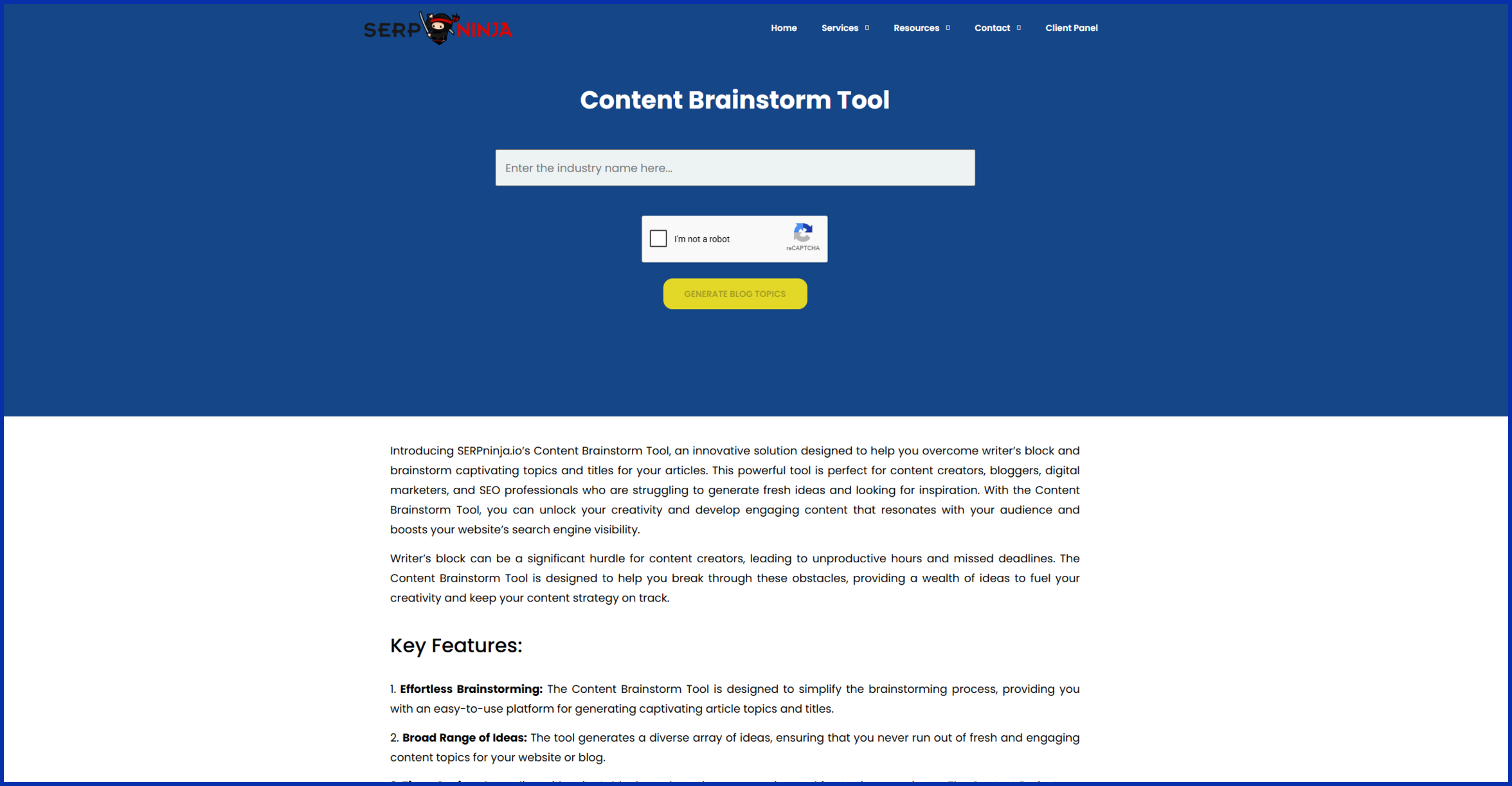
Since you’re already here, it’s worth knowing SERPninja hosts a few free tools of its own, including a Content Brainstorm Tool and a Keyword Cannibalization Checker, both built for exactly this stage of the process.
Conclusion
Semrush is a genuinely strong platform. Nobody’s arguing otherwise. But $139.95 a month is a real cost for a solo blogger or a small team, especially when 10 free searches a day barely gets you through your morning coffee.
The good news: keyword research isn’t locked behind one price tag. Pair a clustering tool like SirWritesALot with a free volume source and a question-based tool, and you’ll cover most of what Semrush’s keyword suite does, for a fraction of the cost.
Once your keywords are locked in and the content’s published, the next challenge is getting that content to actually rank, which usually comes down to earning the right links. That’s the part we focus on here at SERPninja, if you’d rather not build that piece of the stack yourself too.
FAQs
Is there a completely free alternative to Semrush?
Not one that matches its full depth, but Google Keyword Planner, Google Trends, and Ubersuggest’s free tier together cover most of what a beginner needs.
How much can stacking cheaper tools actually save me?
A meaningful amount. SirWritesALot’s Starter plan plus a Keywords Everywhere credit pack can land under $50/month combined, next to Semrush’s $139.95.
Will cheaper tools give me less accurate data?
Usually close enough for content decisions. Their databases are smaller than Semrush’s, but for planning blog and site content, rather than enterprise-level competitor tracking, the numbers hold up fine.
Can I fully replace Semrush for keyword research?
Yes, if keyword research and content planning are your main use case. If you also lean on Semrush for PPC data or its backlink index, you may still want one broader tool in the mix.
Which tool should I start with if I can only pick one?
Start free. Google Keyword Planner costs nothing and gives you a real baseline before committing budget anywhere else.
How many tools should a typical stack include?
For most solo bloggers or small teams, three is plenty: one free volume source, one clustering or content-planning tool, and one question-based tool for FAQs. Adding more than that usually means overlapping data instead of new insight.


